
Mara Cordero
Head of Design, Stagecraft
1672

HiBento turns any event into one live screen. Stream, ask, vote. No PDFs. No login walls. Just the room, in real time.
§ 01 Why HiBento
HiBento turns any gathering into a live screen everyone shares. Speakers, organisers, and the crowd, on the same page. Literally.
Printed schedules, last-minute changes scribbled in the margins, attendees lost between rooms.

Every track, room, and speaker in real time. The room reorganises itself as the day unfolds.
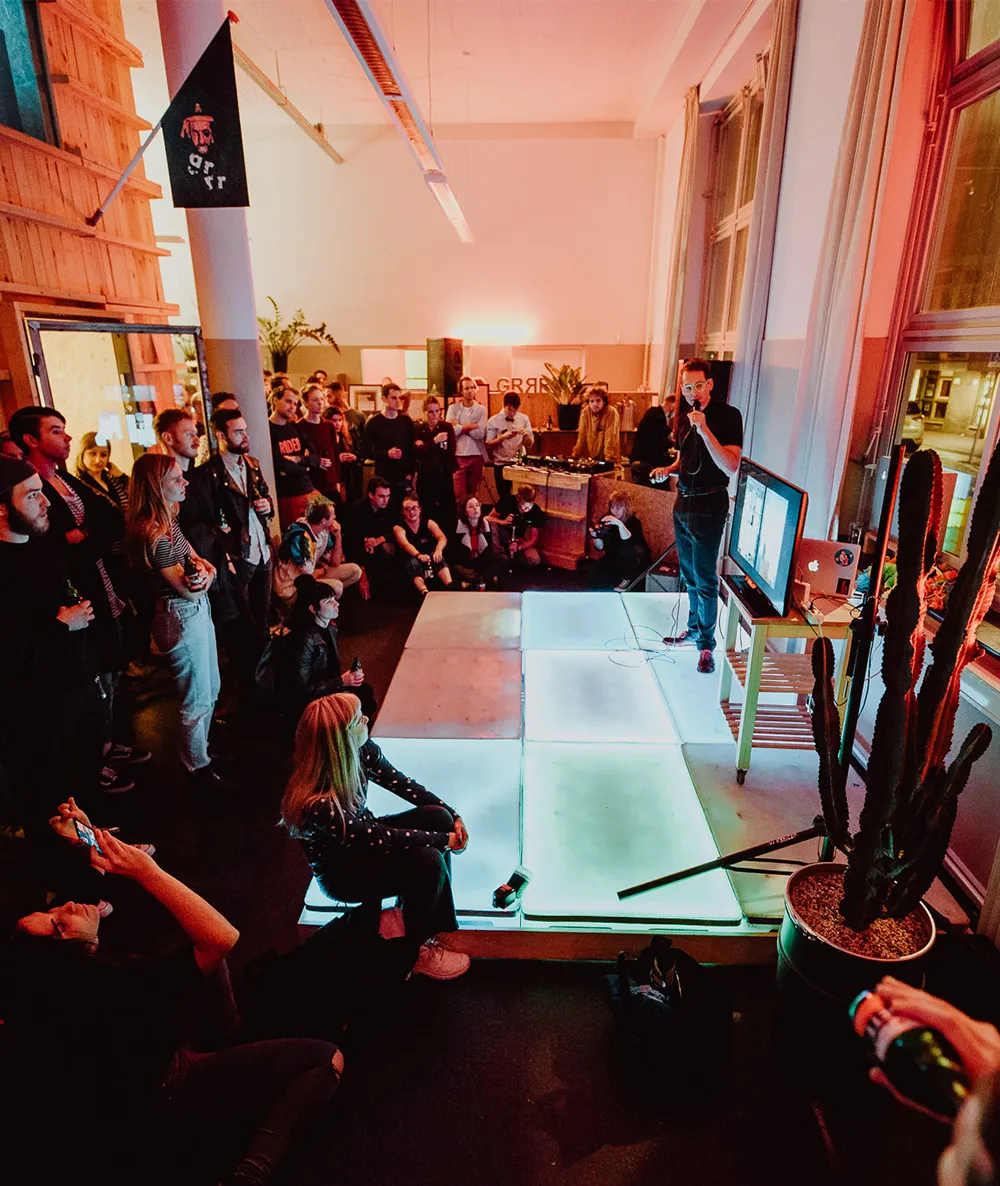
Every question asked, every session attended and captured for organisers, ready for next time.

§ 02 Live Q&A
Anyone can drop a question, anonymously or not. The crowd upvotes the ones that matter. No moderation queue, no friction, no awkward microphones.

STAGE A · 14:30 to 15:15
Designing for live attention
How does HiBento handle last-minute schedule changes without breaking the live view for attendees?
Mara C.
Can the Q&A be moderated before questions go public, or is it always open?
Aarav S.
Is there a speaker-facing view that's different from what the audience sees?
Anonymous
What happens to all the questions and upvotes after the event ends?
Iris M.
§ 03 Planning
Sessions sit on a temporal grid. Parallel tracks render side by side. Live ones glow. Tap any cell to dive in, or filter to a single room.
Opening keynote
Iris Moreau
Designing for live attention
M. Cordero
Lunch panel: Future of stages
Group
Building patient products
Kenji Park
The economics of conferences
A. Singh
Workshop: Type as interface
L. Petit
Workshop: Scenography 101
C. Vargas
§ 04 Speakers
Every speaker gets a page. Bio, sessions, the questions the crowd asked them. Nothing to set up. It generates itself.
Head of Design, Stagecraft

Economist & Author

Founder, Loop Studio

Product, Patient Inc.
Type designer
Head of Design, Stagecraft
Economist & Author
Founder, Loop Studio
§ 05 FAQ
Nope. Schedule, live sessions, Q&A, all public with no sign-up. Just a link.
Only organisers, to create events, manage sessions, and assign speakers. Everyone else just shows up.
Automatically. If the current time is between a session's start and end, it lights up across the whole app.
Not in this version. The crowd self-regulates with upvotes. Best questions rise, the rest fade.
Locally, in the attendee's browser. Nothing leaves their phone. No tracking, no login.
Not yet. Custom branding is on the roadmap. For now, HiBento ships with a single clean theme that works for any event type.
§ 06 Get in
HiBento is invite-only while we onboard our first cohort of organisers. Drop your email and we'll set you up with a private demo.
3
Roles (organiser, speaker, attendee)
∞
Parallel tracks & rooms
0
Attendee logins required